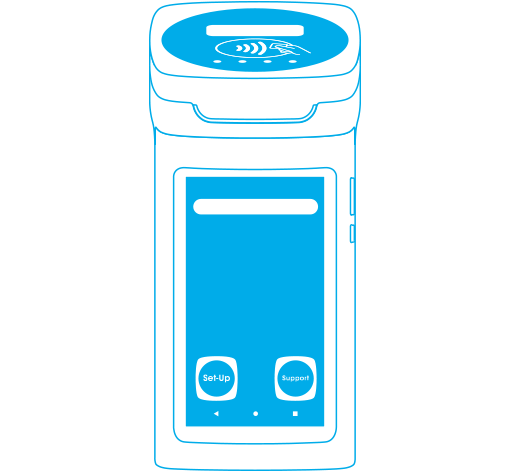

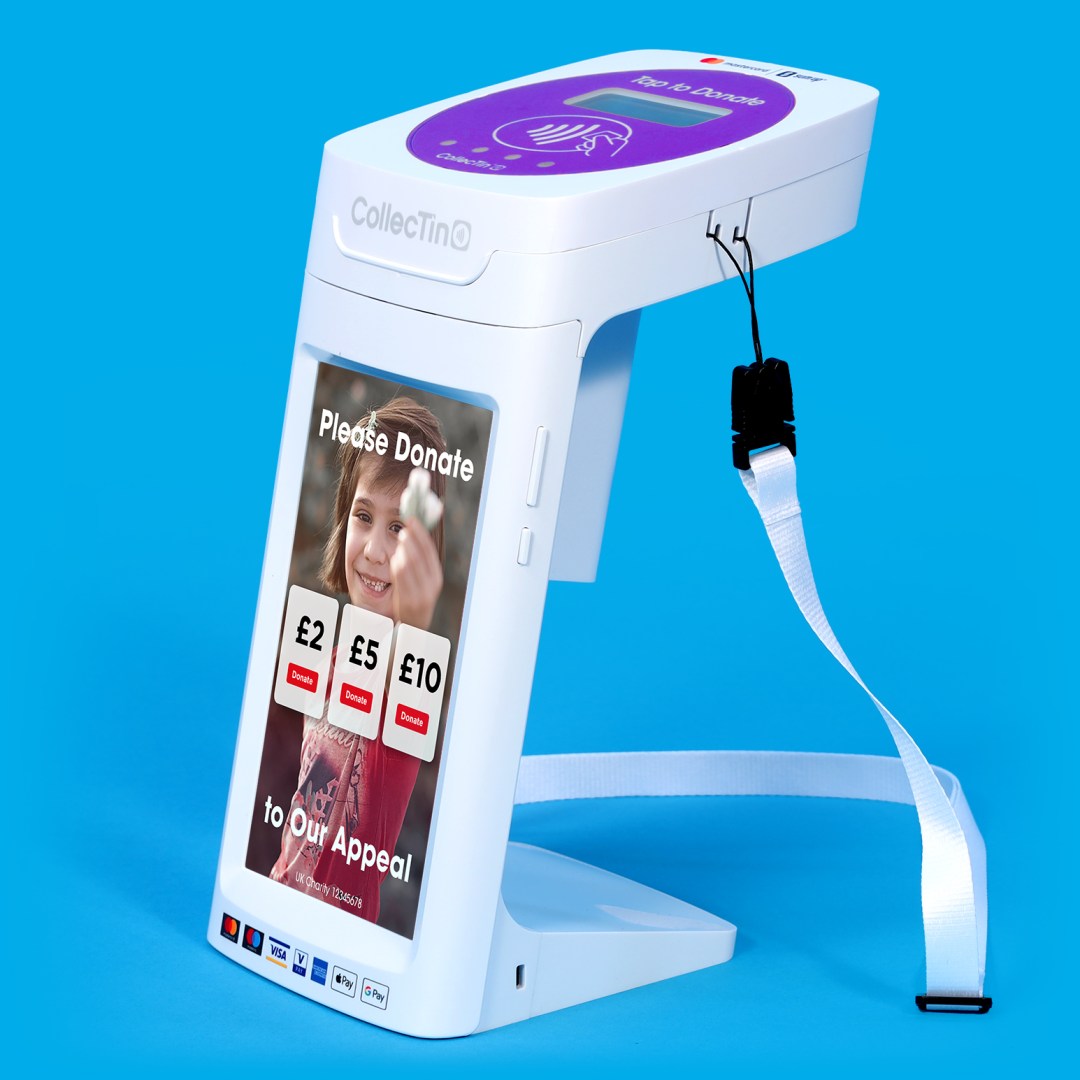
CollecTin® More Model 4G A12 Set-up
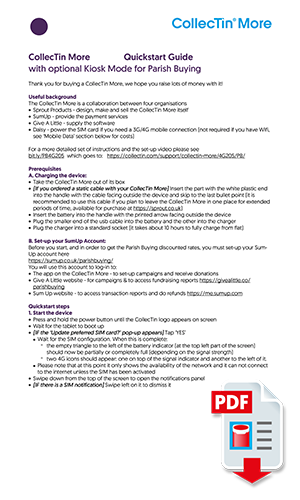
Quick Start PDF:
Quickstart Guide 4G A12 Aug'23
Step by Step Instructions
Unboxing to taking a donation*
*16th August '23: This video shows the older Model 4G 205, though many steps are still the same, please also refer to the quickstart guide PDF.
1. Insert Battery into CollecTin® Handle

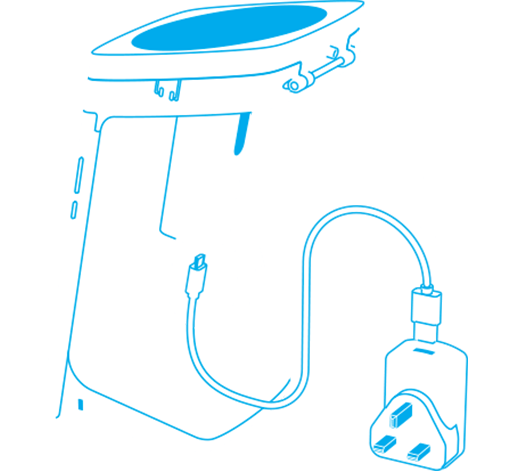
2. Insert Cable and charge with USB plug adapter until the Tablet and Battery are fully charged
3. Turn ON
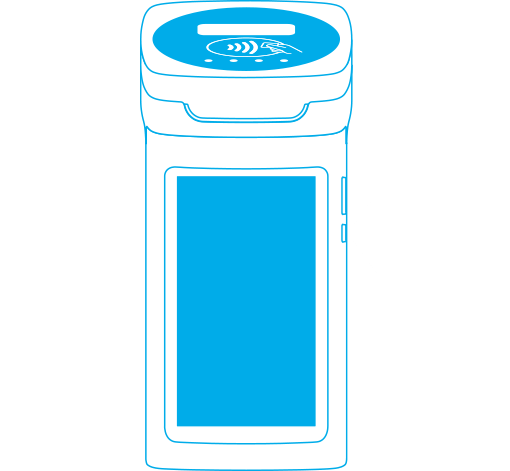
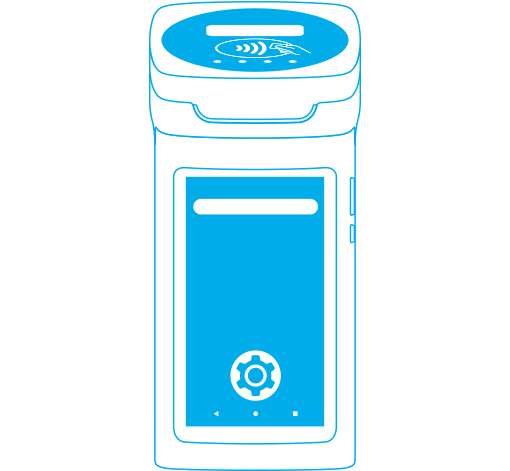
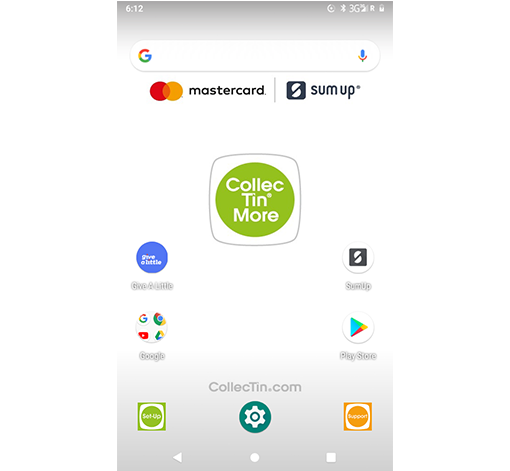
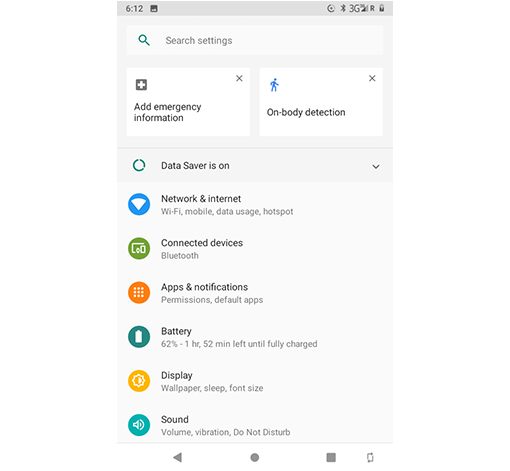
4. Click Settings and Log-on to WiFi
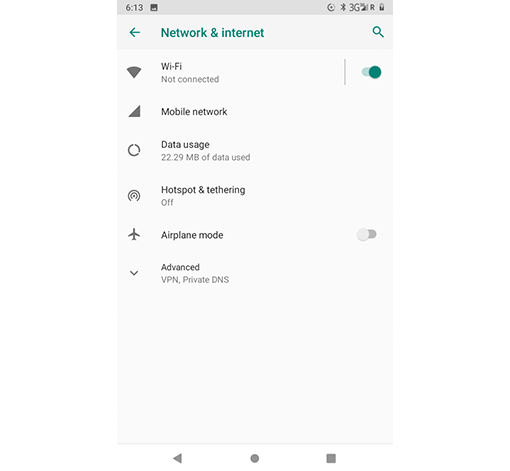
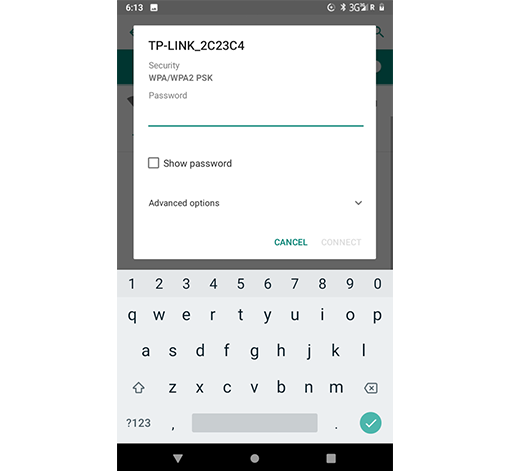
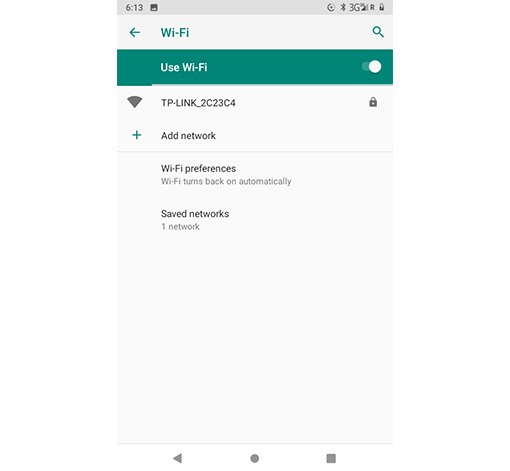
5. Setup your SumUp account at sumup.co.uk/sprout
6. Setup Give A Little by logging in with your SumUp account here givealittle.co
7. Open Give-A-Little App to pair SumUp reader
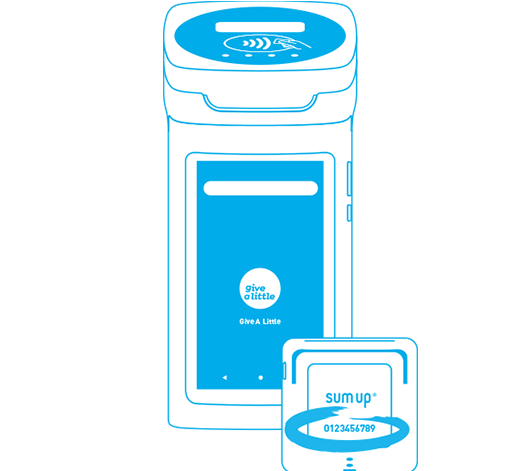
8. Insert SumUp into CollecTin®
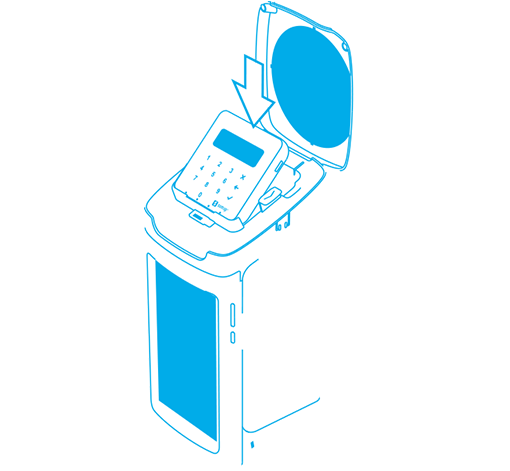
All ready to go CollecTin !
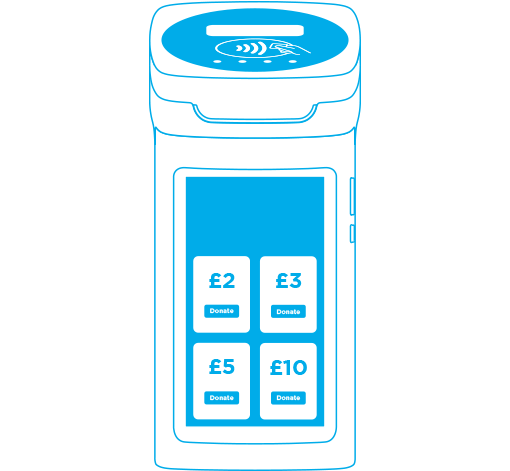
You can always come back by following these links on the home screen